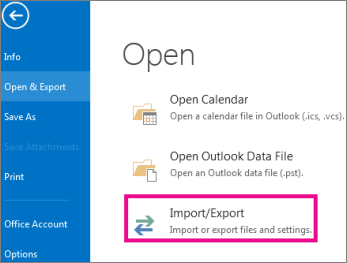
Select File > Open & Export > Import/Export.
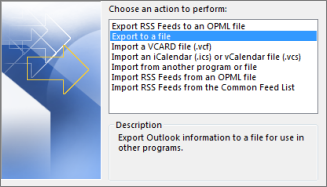
Select Export to a file, and then select Next.
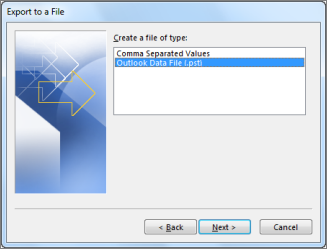
Select Outlook Data File (.pst), and select Next.
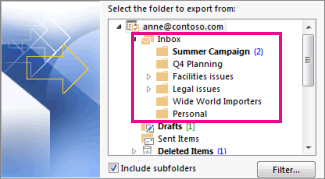
Select the mail folder you want to back up and select Next.
Choose a location and name for your backup file, and then select Finish.

If you want to ensure no one has access to your files, enter and confirm a password, and then select OK.

