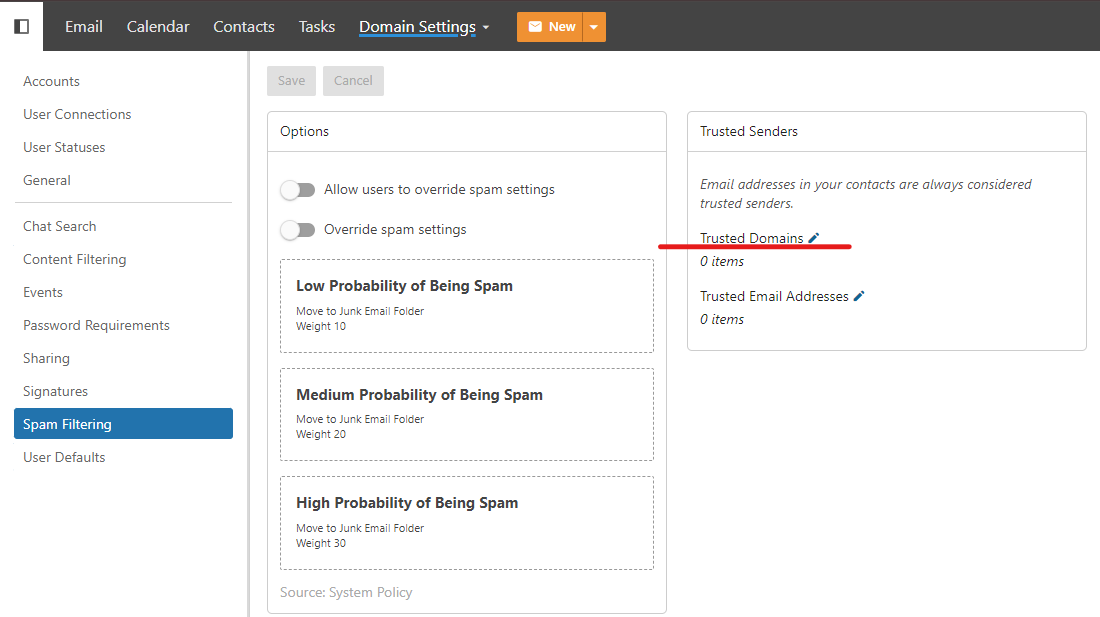
- Log in to your SmarterMail, which is under admin.
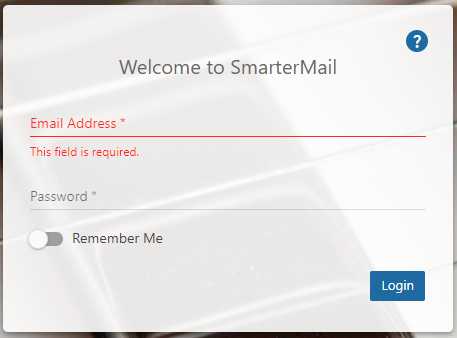
Example:
http://mail.domain.com/ (Non SSL)
https://mail.domain.com/ (Secure SSL)
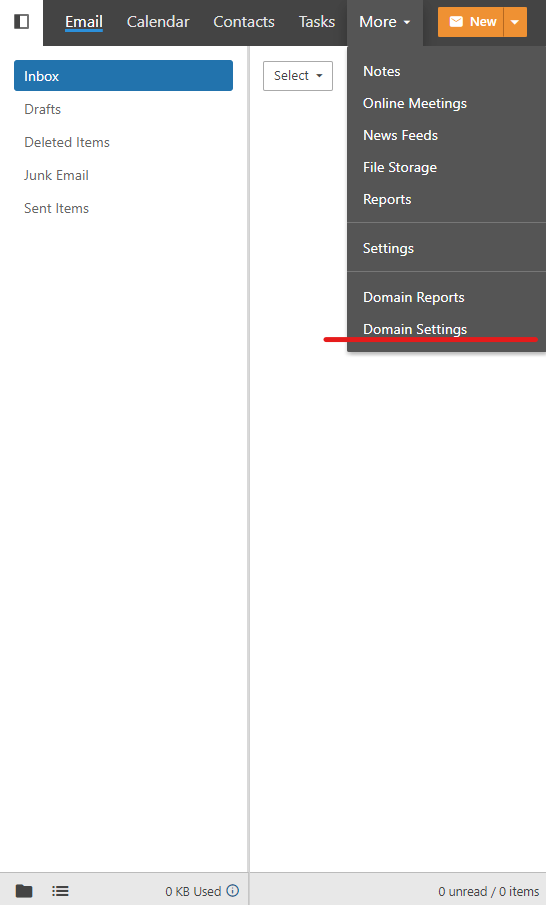
- Click the “Domain Settings”
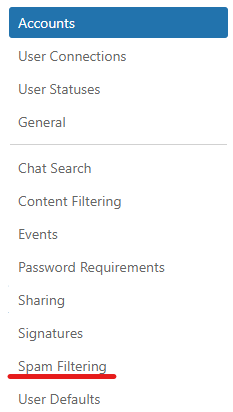
- Click the “Spam Filtering” option
- This page allows you to whitelist or email addresses you want.