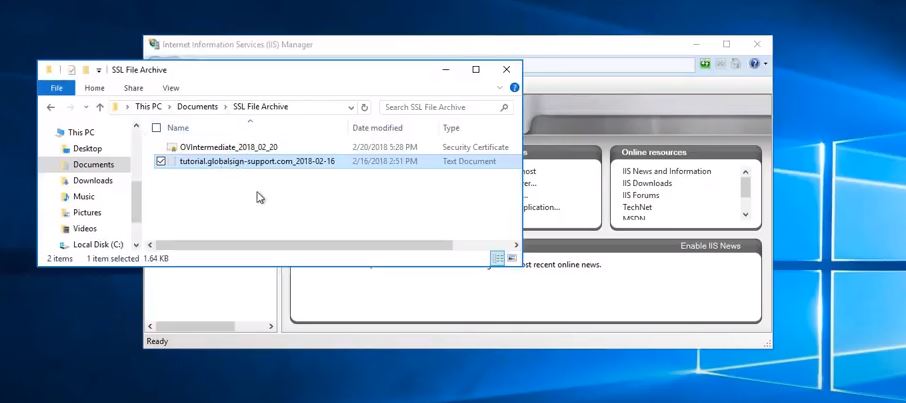
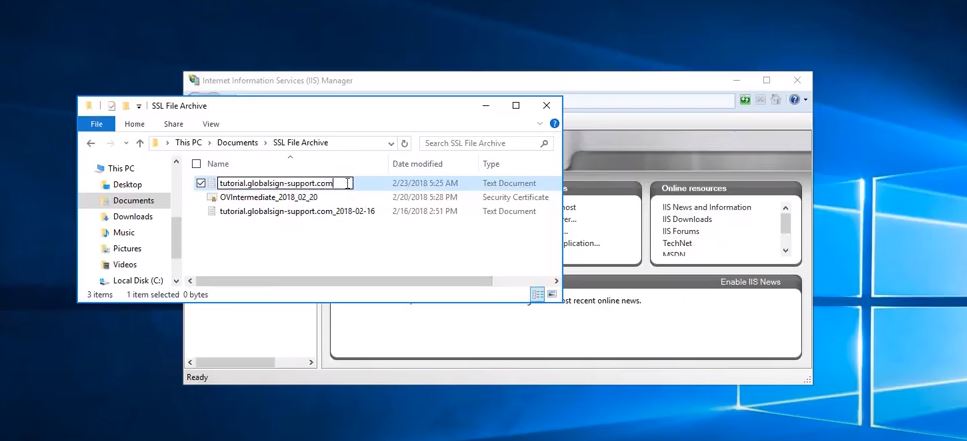
Go to the location where you want to save your SSL Certificate.
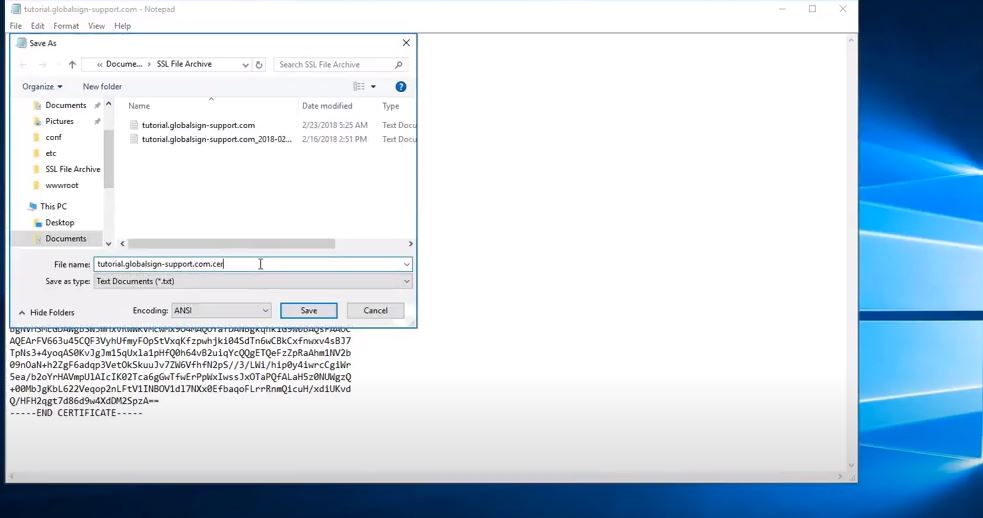
Create a notepad with the PEM format of the Certificate as shown below.
Name it with something memorable or the name of your website ( Save it as a .cer file). Note: Make sure you choose the Save as Type as 'All Files'.
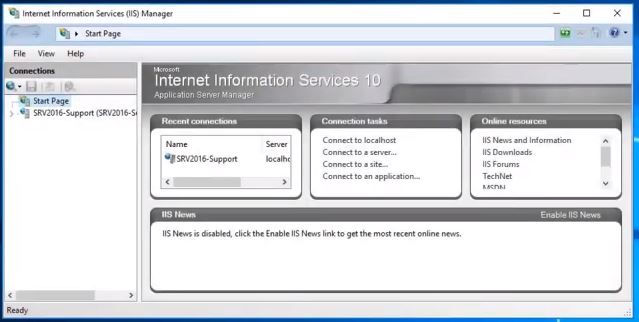
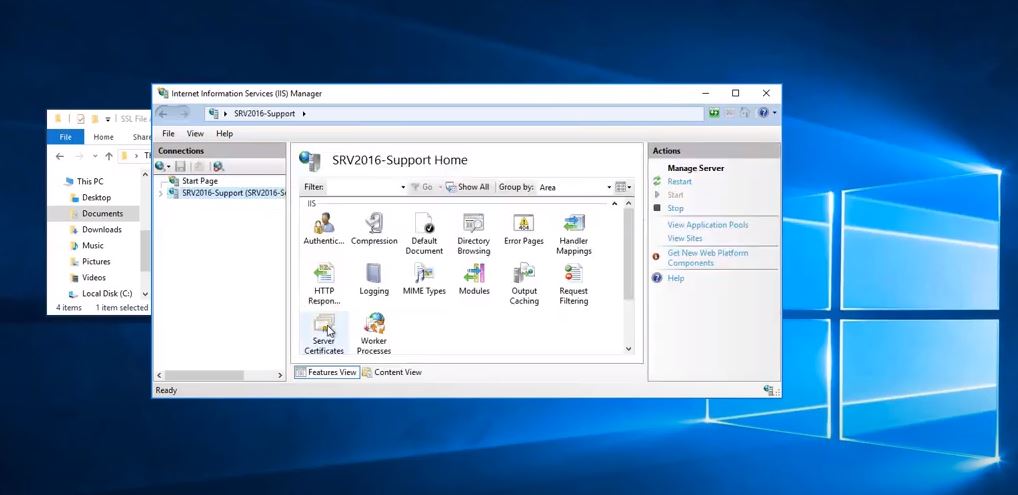
On IIS Manager, select Server.
Then, go to Server Certificates.
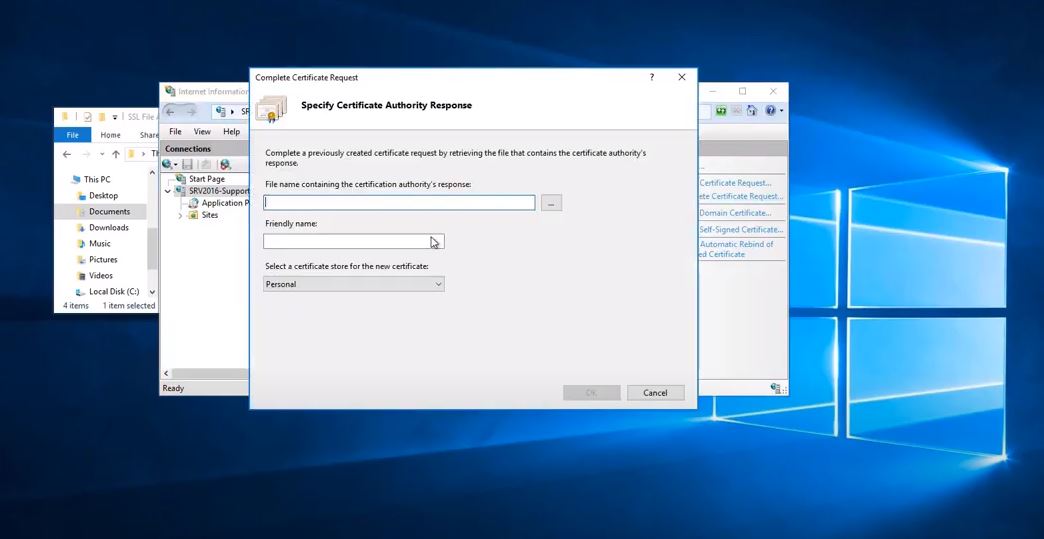
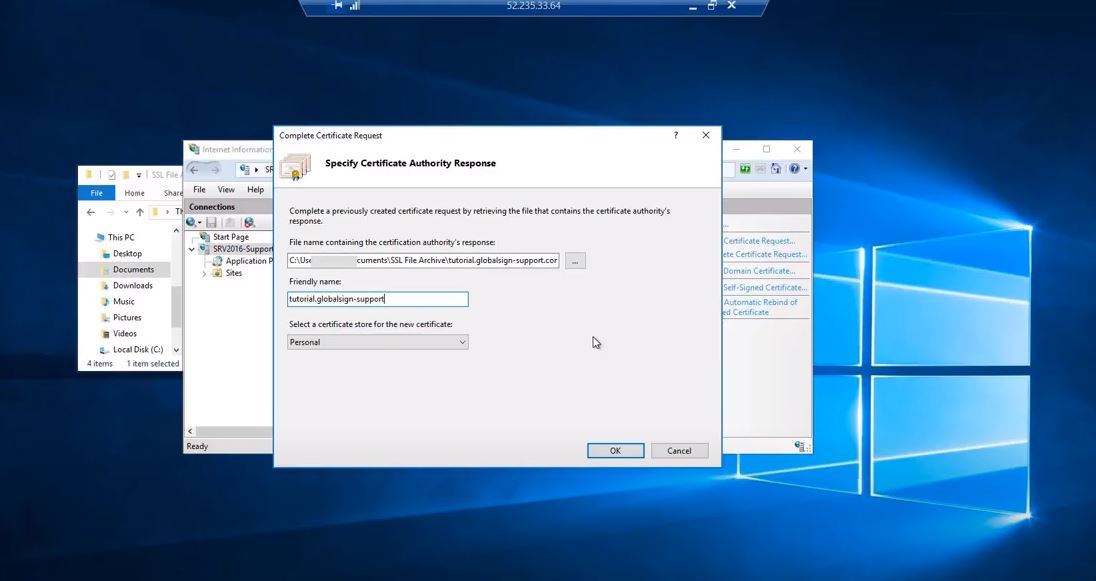
Go to Complete Certificate Request. Note: You need to select your SSL Certificate. Now, give it a Friendly Name (you can place a date at the end to make it easier to adjust in the future ex. 01-12-20)
Where it states to select a Certificate store, keep it as Personal (You will see your Server Certificate)
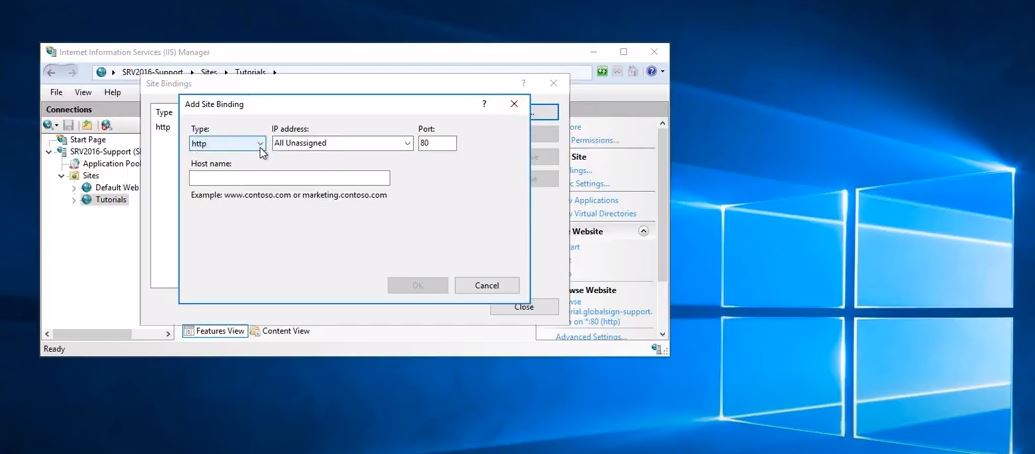
Now, look for Bindings or you can click on the site and choose Bindings in the right side Menu.
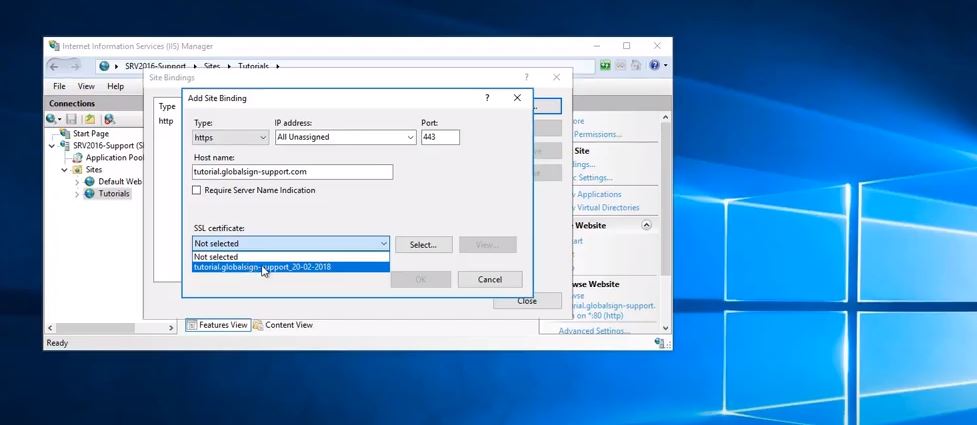
Click Add. On the Add Site Binding window, choose the following options:
Type:"https"
IP Address: "All Unassigned"
Port: "443"
Host name: "Your Certificate Name / Website Name"
Under SSL Certificate, look for your friendly name.
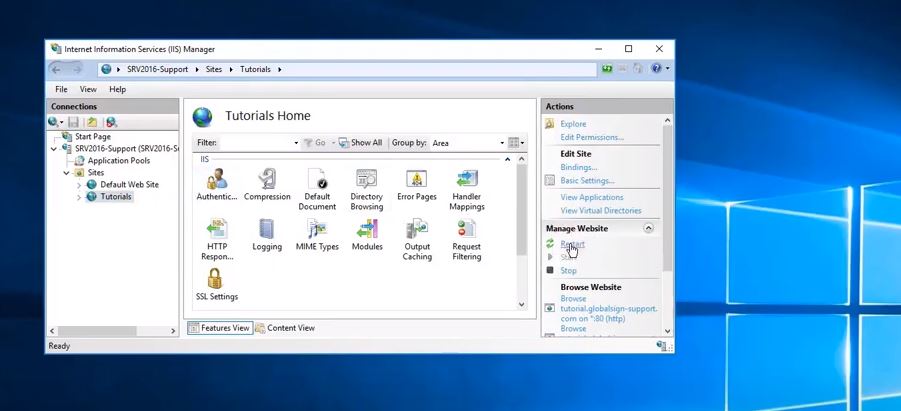
Hit Ok, then Close. Restart your computer afterwards.